This article demonstrates reusable image layout classes supported by the theme.
Side-by-side pair
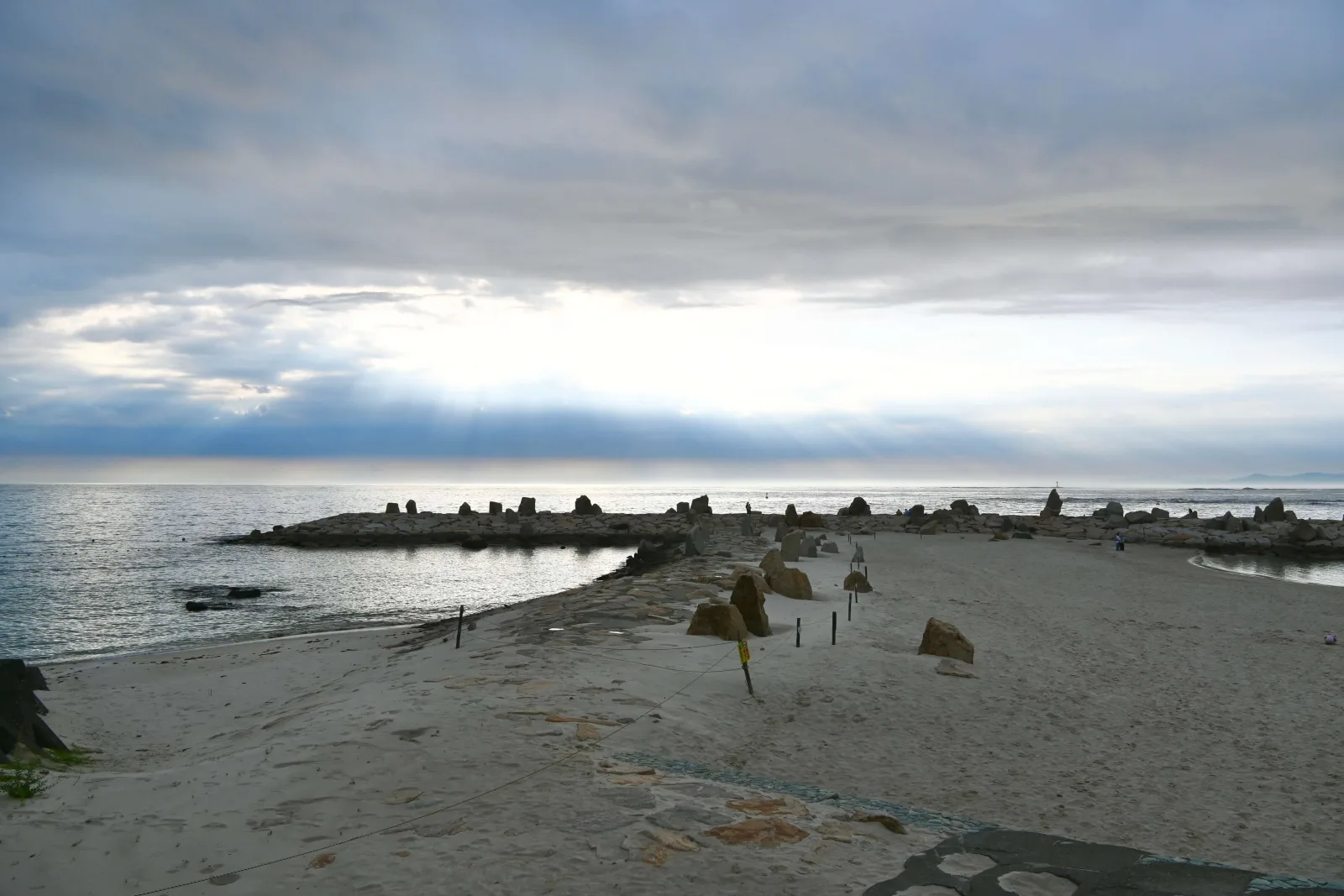
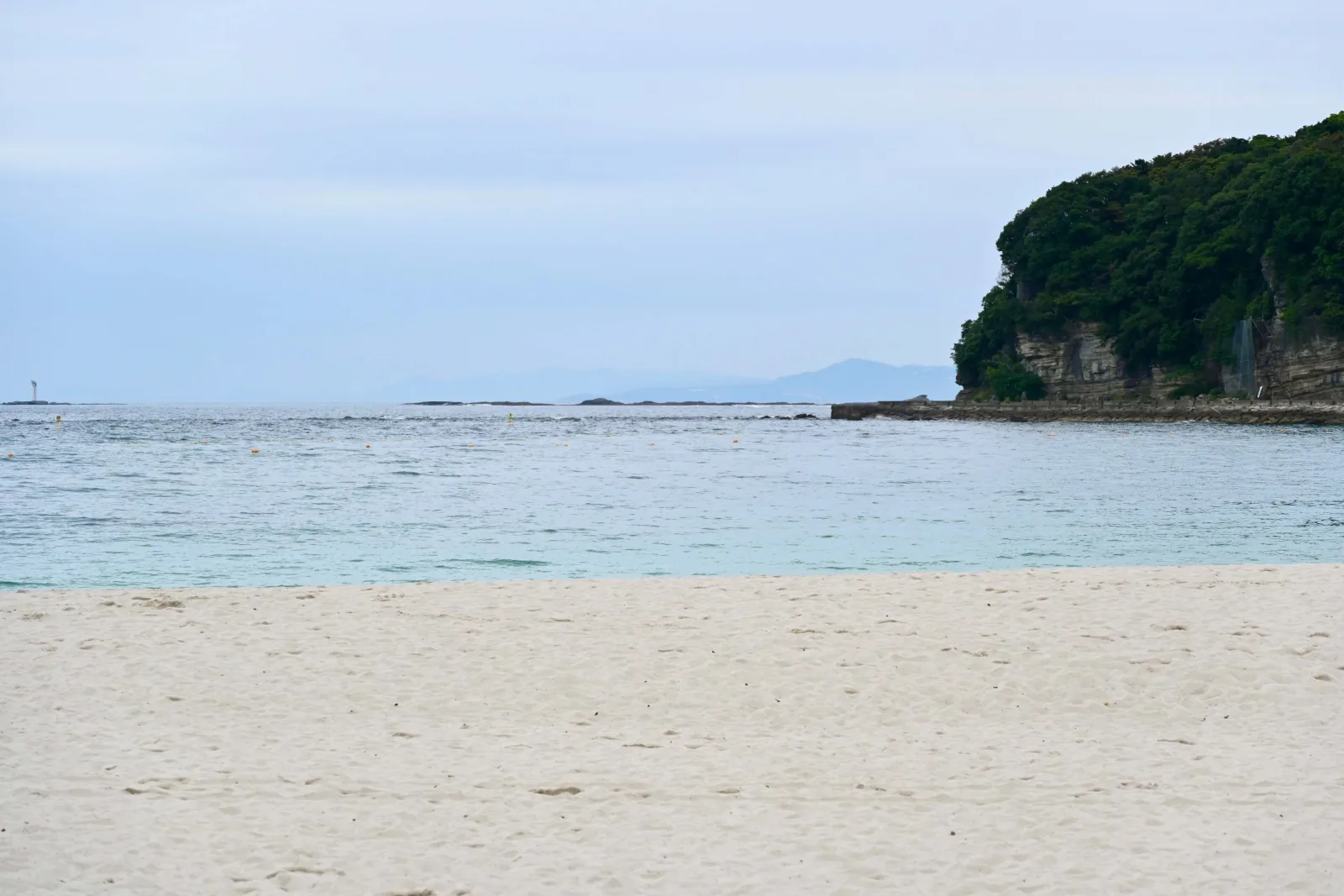
View code
<div class="media-pair">
  <img src="image-url" alt="img 01">
  <img src="image-url" alt="img 02">
</div>
Portrait row with fixed height
Use media-portrait-h-220 / 240 / 280 / 360 / 480 to constrain the display height. Images shrink proportionally — no cropping, no pagination.
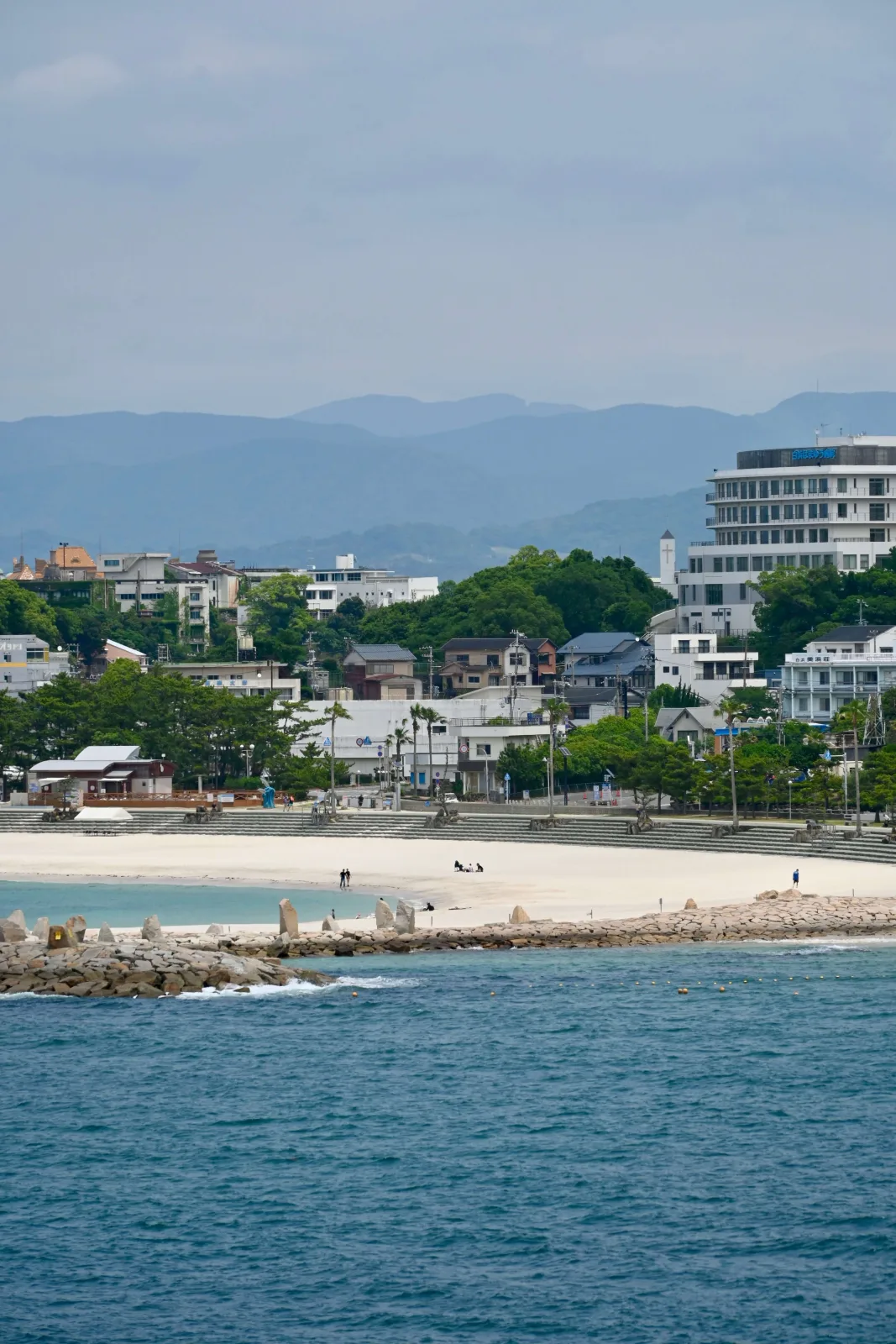
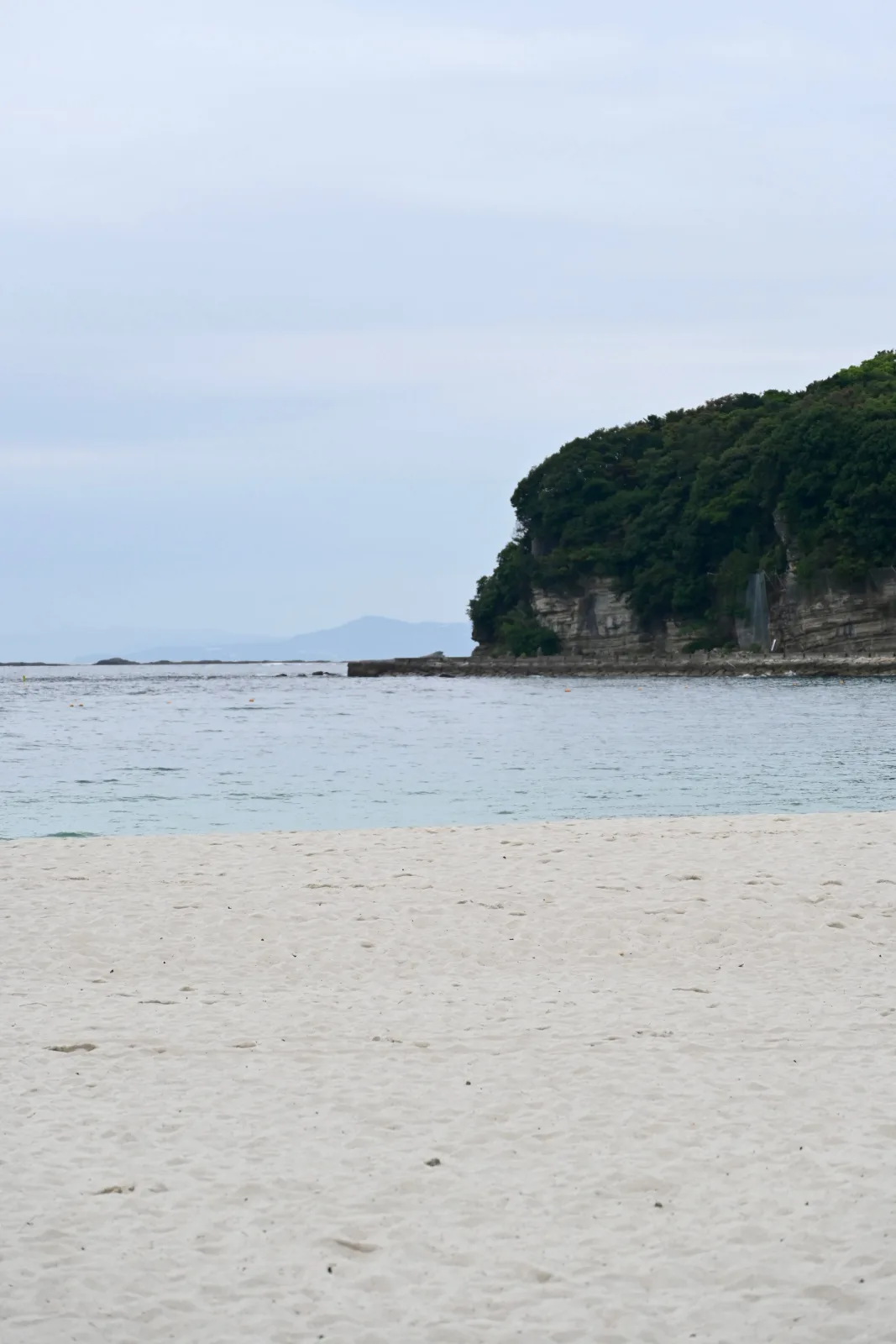
View code
<div class="media-portrait-row media-portrait-h-240">
  <img src="image-url" alt="img 01">
  <img src="image-url" alt="img 02">
</div>
Adaptive grid
View code
<div class="media-grid cols-3 masonry-js">
  <img src="image-url" alt="img 01">
  <img src="image-url" alt="img 02">
  <img src="image-url" alt="img 03">
</div>
Single image with width control
Use media-w-100 / 95 / 90 … in 5% steps.
Image left, text right
Place a short caption, note, or steps alongside the image.
Works well for "one key image + one paragraph" layouts.
Image right, text left
Add reverse to flip the order. Collapses to single-column on mobile.
Carousel (with lightbox)

Gallery lightbox
Main image centred, thumbnail strip below. Click thumbnails or arrows to navigate; click the main image for fullscreen.